



How I Protect Bank Alerts and Payment Notifications

Mathieu Blake
Gaming analyst


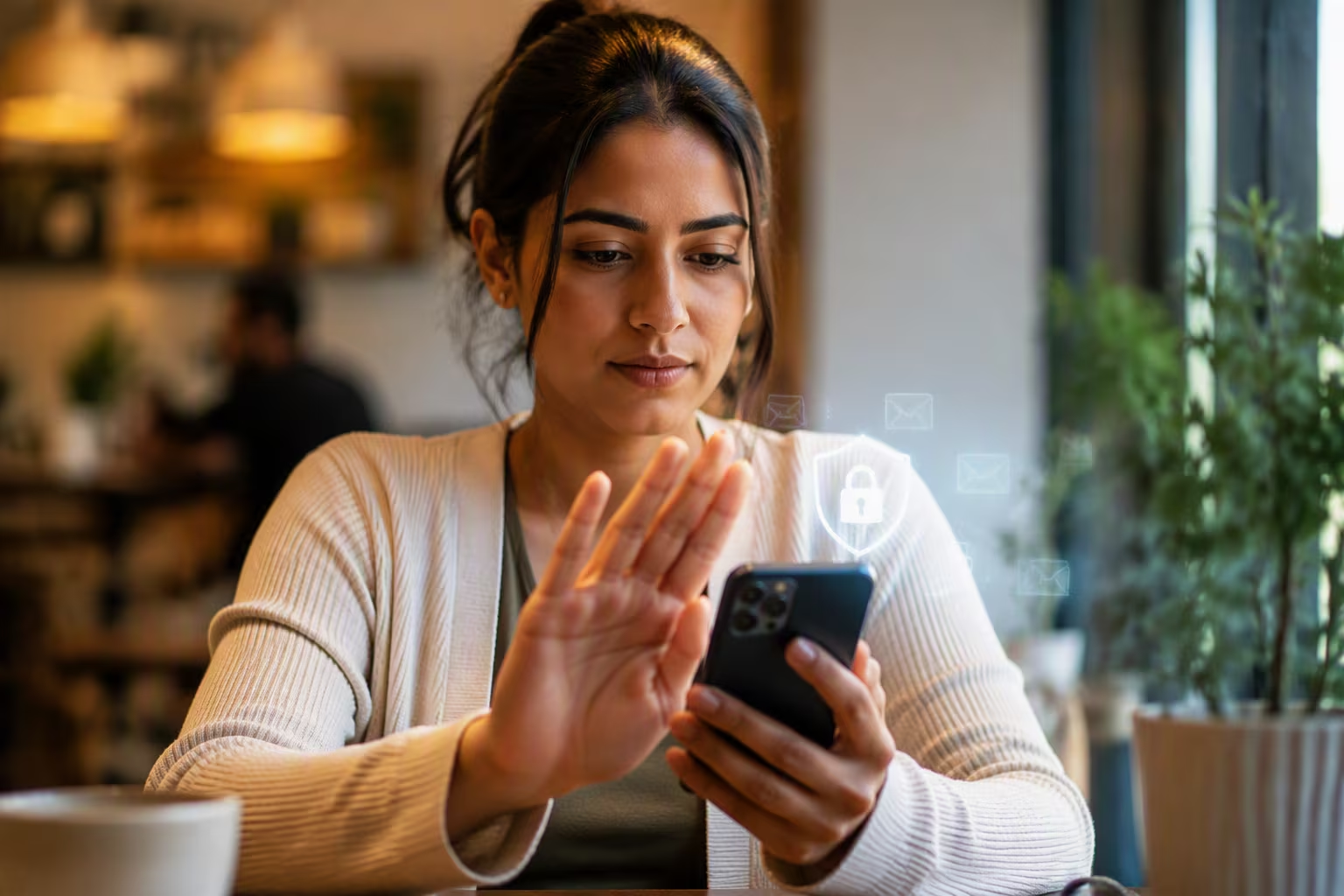
Most transactions in the modern era happen online in different contexts. I spend a lot of time paying and withdrawing on platforms like Jackpot City. I have gradually developed habits that protect my financial information because I have seen what happens when people are reckless. The consequences of sensitive information getting in the wrong hands are real and could be damning.
Lock Screen Alerts for Financial Apps
The first thing I changed was how my notifications appear on my phone's lock screen. Before I made these changes, my banking app was flashing transaction amounts for anyone standing near me. I realized how often I leave my phone on a table in public or hand it to someone to show them a photo.
Now, my banking notifications show nothing on the lock screen. If I want to see the details of a transaction, I unlock my phone first. You lose about three seconds of convenience, but you gain privacy as strangers cannot read your account balance while you are standing in a coffee shop.
Information in the Notification Itself
Most banking apps give you some control over what the notification actually says. Some will show the full transaction amount, the merchant name, and your running balance together. I feel that is a lot of detail to broadcast through a push notification.
I went through my financial apps and scaled back the notification previews wherever the setting existed. My preference is to receive an alert that tells me activity has occurred without giving away unnecessary specifics. The summary is just a pointer because I can open the app to get the details. What I do not want is a full breakdown sitting in my notification tray for hours.
Screenshots Are Risky
I have seen people screenshot payment confirmations to share as proof of transfer, and then post them directly into an email without cropping anything. The full image has many details like account numbers, sometimes even partial card numbers depending on the payment platform.
If you need to share a payment confirmation, take the time to blur the sensitive sections before sending it anywhere. The practice will save you the costs to deal with compromised account details. I treat any payment notification very seriously, which is the same way I would treat a document containing my SIN number.
Watching for Suspicious Alerts
Real bank alerts have a consistent format. You will notice when something is off after you have received enough of them. Fraudulent alerts often try to replicate the look of genuine ones but get small details wrong. You could find the grammar is slightly awkward and, in most cases, the call to action pushes you to immediately click a link.
I have made the personal rule never to click a link inside a payment notification to resolve anything. In case my bank says there is an issue with my account, I open the official app or type the URL directly into my browser.
A few signs I look for when an alert feels suspicious:
-
The message tells you to act within minutes or face account suspension.
-
The sender's contact details do not match what your bank has used before.
-
The notification asks you to confirm personal information you would never input through a link.
When any of these appear, I contact my bank directly using the number on the back of my card. The safest way is to avoid engaging with the message itself.
Email Notifications Deserve the Same Attention
Many platforms send payment confirmations by email, and most accounts are less secure than people assume. If your password is weak or has been reused across multiple accounts malicious actors can access your inbox and entire financial paper trail.
I use a separate email address for financial correspondence. I always make the conscious effort not to share it freely, and it has two-factor authentication on at all times. Having a dedicated space ensures every confirmation and statements remain centralized. This separation will protect you in the event of fraudulent transactions or phishing attempts.
Update Devices and Apps
You can ignore an update notification, especially when it comes at a busy time in your schedule. You should always make efforts to download security patches and apps from authorized outlets. Software updates for banking apps and phone operating systems frequently include solutions that address the new vulnerabilities.
From my end, I get my financial apps to update automatically and I run system updates on devices whenever available. On top of that, I review the app permissions for my banking applications periodically. A payment app has no reason to access my microphone or photo library. I always revoke the authorizations that don’t make sense for what the app does.
Public Wi-Fi and Payment Notifications
I do not interact with banking apps when connected to public Wi-Fi. The reason is that open networks expose your actions for someone to intercept data between your device and the internet. Most financial apps use encryption, but it is still a habit I trust.
If I urgently need to check something financial while out, I switch to my phone's data connection. That additional step has become second nature at this point. The inconvenience is almost negligible, but it blocks out several avenues of vulnerability.
Staying Aware
A tactic that worked as a scam three years ago looks different today, and platforms that handle money are always going to attract people trying to exploit them. I always check the bank’s security updates when they roll out, and I pay attention to any news about data breaches.
You will find these practices as simple and repeatable when you’re serious about implementing them. You do not assume that nothing bad will happen because nothing bad has happened yet. Make an effort to protect your financial information, and you will note a difference for when you have an issue.