



How I Keep My iGaming Accounts Secure on Mobile

Mathieu Blake
Gaming analyst


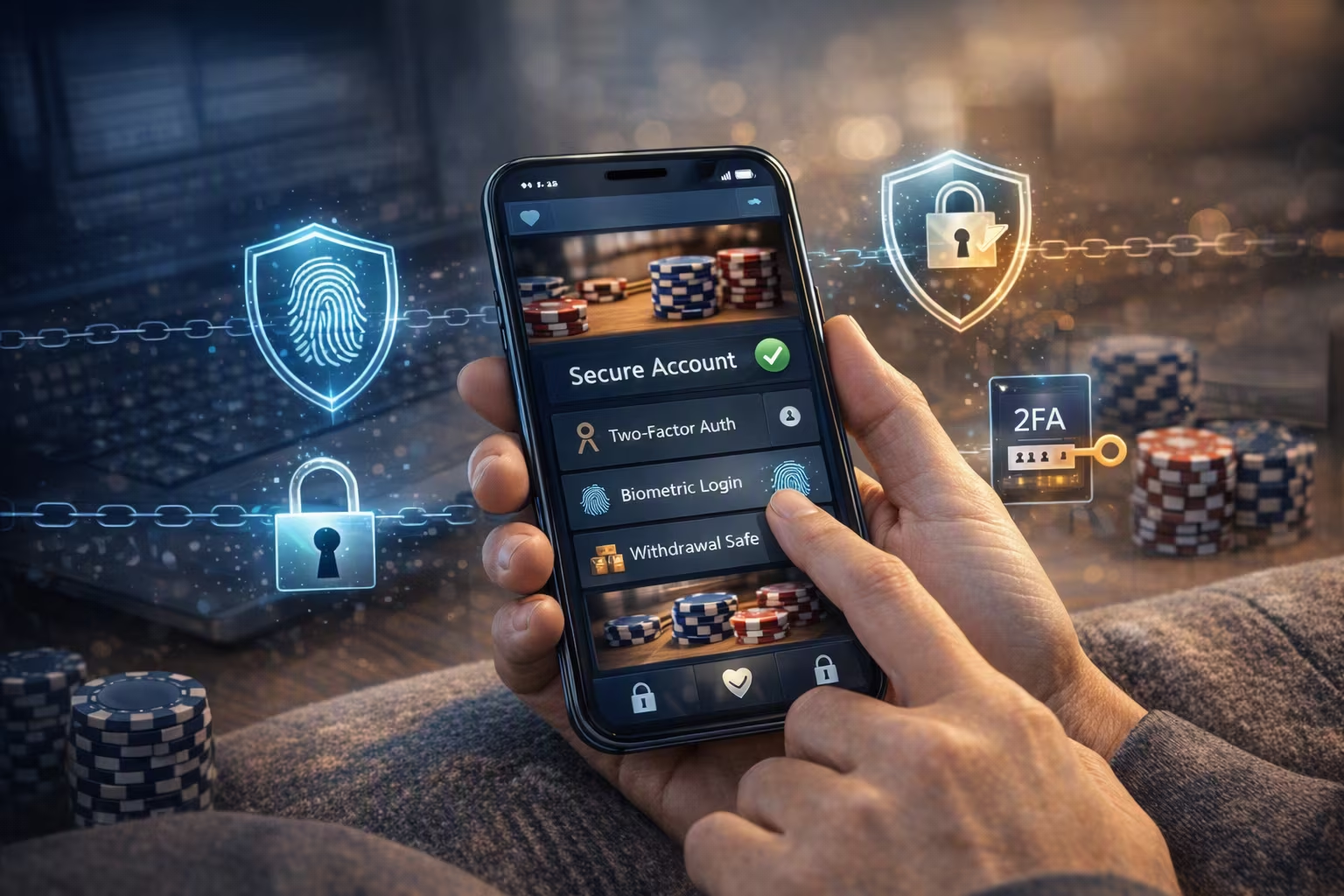
Convenience is an important part of an online gaming platform. I prefer visiting Jackpot City on my phone because I rarely feel the need to switch to a desktop device. That convenience, however, comes with a level of responsibility. Mobile devices nowadays carry a lot of sensitive information, and iGaming accounts require the same level of protection as online banking accounts. Over time, I have built a set of habits and device practices that help me feel confident every time I log in on the go.
The Lock Screen Is Non-Negotiable
Anyone can pick up your phone and access the contents if it has no lock screen. My preference is a strong PIN combined with biometric authentication. Face ID and fingerprint recognition on modern devices are quick enough that I no longer find them inconvenient. These features also add a layer of security that a simple swipe cannot provide.
I also set my screen to lock between thirty and sixty seconds after inactivity. These habits form quickly with consistency. This is important because the window for an opportunistic grab is small.
Keeping Everything Updated
Software updates are one of the most underrated security tools available. A significant portion of every update is dedicated to patching vulnerabilities that security researchers or developers have found. Plus, you get a bonus of whatever new features come along with it. Software updates are released regularly, so it’s important to keep up with them.
I keep automatic updates turned on for my operating system and apps. The iGaming platforms I visit frequently release security patches to protect their users from malicious intent by third parties. Running an outdated version can sometimes mean using a version with a known weakness.
Strong Passwords and a Manager
My mentality about account security changed when I stopped reusing passwords years ago. The problem with this habit is that a breach on one platform can flow into access on others. When one of the compromised passwords works, attackers will often try the same credentials across multiple platforms.
A password manager solves the practical problem of remembering unique combinations for every account. I generate words and symbols I could never memorize on my own, and the manager fills them in automatically when needed. The only one I know by heart is the password that unlocks the manager itself, and I have ensured that one passes the benchmark for strong security features.
Two-Factor Authentication
Two-factor authentication (2FA) adds a second verification step beyond your password. If someone obtained your login credentials, they would still need access to your second verification step to sign in. In many cases, this means entering a temporary code generated by an authenticator app or sent to your phone, which is only valid for a short period of time. You may also receive a push notification that requires your approval before moving to the next step.
Select your Wi-Fi Networks
Public Wi-Fi is convenient, but I avoid logging into any account that matters while connected to one. These networks are easy to monitor, and an attacker in the same area can intercept traffic for malicious purposes.
My typical checklist when using public Wi-Fi includes:
-
I use a VPN to scramble the information I am exchanging over the network.
-
I confirm the network name with the venue before connecting.
-
I avoid saving public networks to keep my phone from reconnecting automatically in the future.
-
I turn Wi-Fi off when I am done, so my phone stops broadcasting that it is looking for networks nearby.
Regardless, for anything financial, my mobile data connection is always the safer choice.
Checking App Permissions
From my perspective, you should check your phone's permissions every few months to see what apps have access to core features such as your camera or microphone. Some of them ask for more privileges than they actually require, and these can quickly add up. A good example is a calendar app asking for permission to access your camera. This is an odd request since checking dates and tracking birthdays doesn’t require taking pictures or even monitoring what you capture.
It takes roughly ten minutes to remove unwanted access and close off some potential avenues for malicious activity. This can be done through the app settings on Android and iOS.
Be Vigilant about Phishing
Scammers are becoming more advanced, and the size of mobile devices can hide details. It’s easy to miss an incorrect link and follow it without noticing. Urgent messages in your phone’s messaging app can distract your attention from the details and make you click on an errant link.
I am usually alert to any message, email, or notification that requests a login through a link. My years of gaming have taught me that any problems with my account are always communicated on the official platform. I also use the customer service team for clarification.
Logging Out When I Am Done
From my experience, I’ve always enjoyed staying signed in and continuing to play straight from where I left off. I know it’s more convenient, but it’s not the safest practice for your iGaming account. Someone could gain immediate access if they’re able to unlock your device.
Most platforms, including Jackpot City Casino, also let you view and manage active sessions from account settings. I check this occasionally to confirm there are no logins from locations I do not recognize.
Small Habits for a Real Difference
Security while browsing comes down to making the right choices and avoiding unnecessary problems. The process is mostly about building consistent habits like keeping the device locked and staying sharp when something asks for my credentials.
Mobile iGaming is enjoyable, and you should master the security basics for it to remain that way. Simple measures, like setting a strong password, can make a noticeable difference in your sessions. That combination has served me well in keeping attackers away from my gaming accounts.