



How I Use Game Help Screens Without Overthinking It

Matt Bourie
Casino Expert


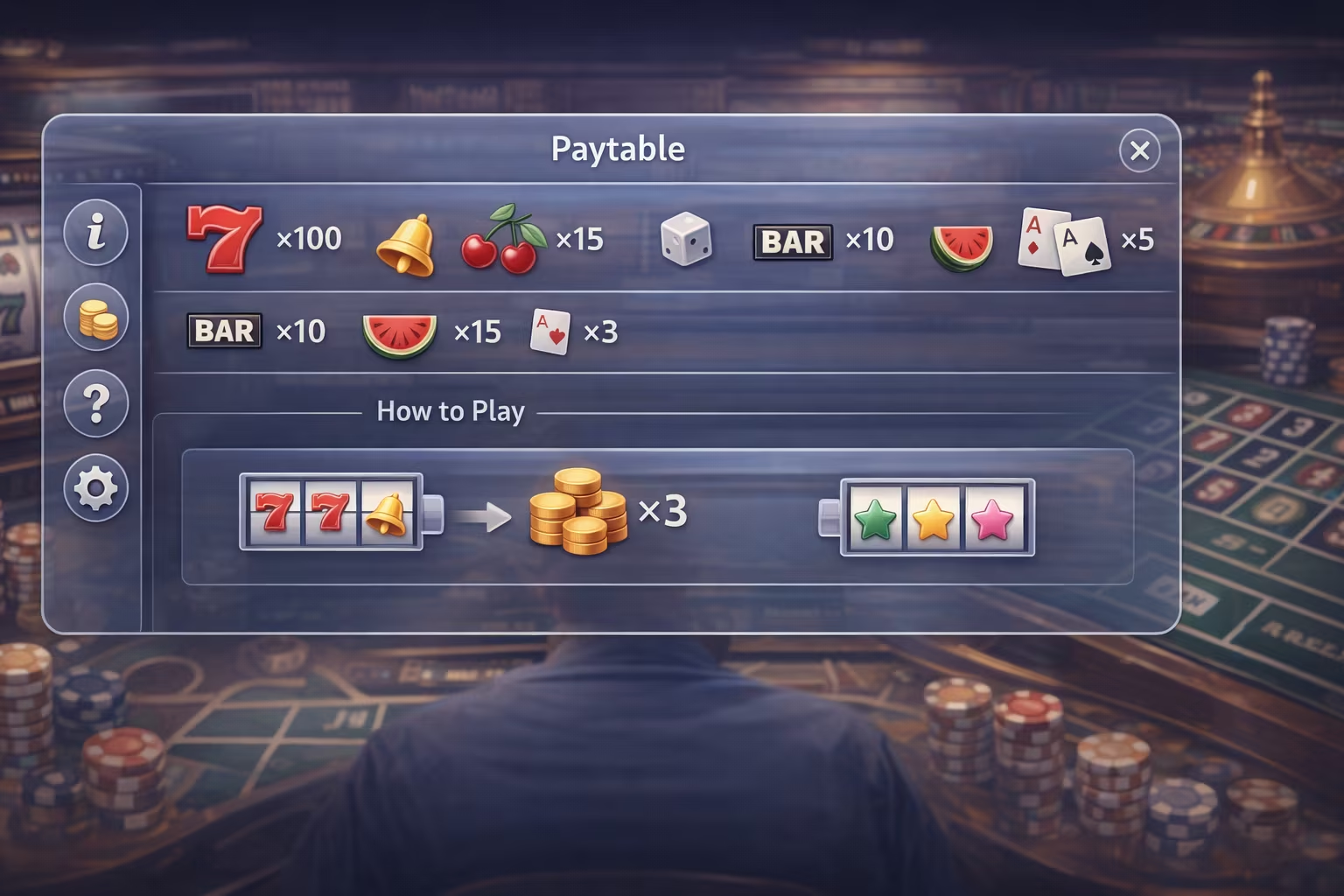
Whenever I open a new game on Jackpot City, one of the first things I check is the small but important Help icon. It’s easy to overlook, especially when everything else is designed to draw you in. But over time, I’ve come to see that this built-in feature is one of the most reliable ways to understand a game quickly. With it, I don’t second-guess myself, as it’s designed to guide me through that specific game.
I don’t treat it as a manual. I treat it as a quick reference point that keeps the experience clear, grounded, and enjoyable.
Why I Always Check the Help Section First
Every game is built differently. Even when two titles look similar on the surface, the way they behave can vary in subtle but important ways. Take, for instance, Starburst and Starburst XXXTreme. These two slots are extremely popular and look identical, but they differ in crucial aspects such as the maximum win and the number of paylines. That’s where the Help screen becomes essential. It will guide you through the features of the specific slot you’re playing.
What I appreciate about the Help screen is that it gives me the rules as they are. There’s no interpretation involved, no guesswork, and no need to rely on outside sources. Everything I need to understand the basic flow is already there, and it’s typically presented in an easy-to-navigate format.
This has become part of my routine, usually when playing games for the first time. Before I get comfortable, I take a few seconds to check how the game works.
My Approach: Quick, Focused, and Intentional
I used to think I needed to read every line in detail. That approach didn’t last long. It slowed everything down and took away from the experience.
Now, I approach Help screens with a much lighter touch.
I scan for structure. Most Help sections are divided into clearly labelled areas such as rules, paytables, and general information. This organization makes it easy to find what I need without having to read everything in detail. For example, I’ll often glance at how outcomes or symbols are grouped within the Help interface. This isn’t meant to analyze them deeply, but to get a sense of hierarchy. If something is prominently positioned or repeated frequently across sections, it usually signals relevance within the game’s structure. For me, that visual prioritization does most of the explaining.
If something is important, it’s usually highlighted or separated in a way that makes it easy to spot. I don’t try to memorize anything. I just make sure I understand the basics well enough to feel comfortable moving forward.
Letting the Design Do the Work
One thing I’ve come to respect is how thoughtfully these Help sections are designed. Instead of just adding blocks of text, the developers integrate these sections into the overall user experience.
The interface is consistent regardless of the device you use. The Help icon is where I expect it to be, and when I open it, the layout feels familiar. That consistency matters. It means I don’t have to relearn how to find information every time I try a new game.
The structure does most of the work for me. I don’t need to dig. I just follow the flow.
Avoiding the Trap of Overthinking
It’s easy to overanalyze when you’re presented with detailed information. I’ve been there, reading too much and trying to connect every piece. The result is that I often lose track of the bigger picture.
What I’ve learned is that the Help screen isn’t meant to be studied like a textbook. It’s there to support the experience and not replace it.
If something isn’t immediately clear, I don’t dwell on it. I move forward, and if needed, I come back. That flexibility makes a big difference. It keeps the experience fluid instead of turning it into a task.
Trusting the Source of Information
One reason I use in-game Help files is that they are part of the platform itself. The information is presented within the same environment where the game operates, which adds a level of reliability.
Rather than searching for explanations elsewhere, I prefer to stay within the game. It reduces the risk of getting wrong information or misunderstanding the rules.
A More Enjoyable Way to Learn
There’s something satisfying about understanding a game naturally, without forcing the process. The Help screen supports that by giving just enough context to get started, while still leaving room for me to become familiar with the game.
I’ve found that this balance makes the experience more engaging. I’m not overwhelmed with details, but I’m also not going in blind. I have a clear starting point, and that’s all I really need.
Over time, this approach has made me more confident in how I interact with new games. I don’t hesitate as much, and I don’t feel the need to pause constantly to figure things out.
Keeping It Simple
If there’s one principle I come back to, it’s simplicity. I open the Help screen, scan for the essentials, then close the screen and continue playing.
That’s it.
There’s no system, no deep analysis, and no pressure to understand everything at once. The information is always there if I need it, and that alone makes the experience feel more accessible.
Final Thoughts
Using in-game Help screens doesn’t have to be complicated. In fact, the more simply I approach them, the more useful they become. They’re not there to slow things down. Instead, they help remove uncertainty from my experience. When I use them as a quick reference rather than a deep dive, they do exactly what they’re meant to do: help me understand the game clearly and move forward with confidence. And for me, that’s what makes the entire experience feel seamless from the very beginning.
About the author
Matt Bourie, together with his brother Steve, founded the American Casino Guide Book platform. Together they produce articles and videos on topics ranging from online casinos to gambling news. Matt is known for delivering accurate, factual and easy-to-follow information.