



What I Do If a Casino Game Disconnects Mid-Session

Matt Bourie
Casino Expert


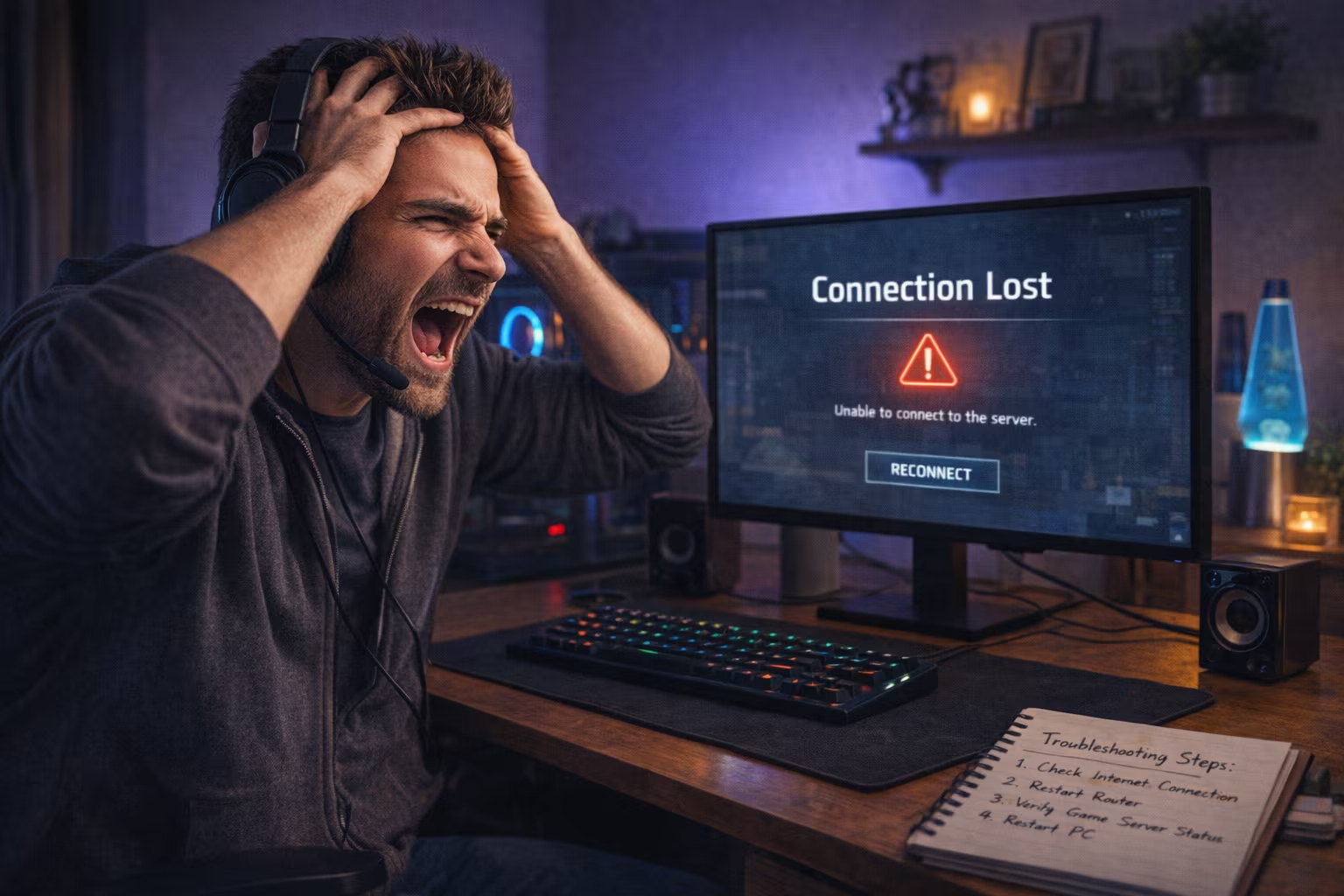
When I’m in the middle of a session at Jackpot City and something suddenly interrupts the flow, it can feel jarring. This could be a frozen screen, a dropped connection, or a game that simply closes without warning. When these disconnections happen, I rely on a clear and methodical approach, and this prevents me from acting impulsively.
Staying Composed in the Moment
The first thing I do is pause. It’s easy to assume that progress is lost or something serious has gone wrong, but in most cases, systems are generally designed to preserve the state of play. Modern iGaming platforms operate on secure servers that track session data, often in real time. That means outcomes, balances, and in-progress rounds are typically recorded, even if my connection drops.
Instead of repeatedly refreshing or switching devices too quickly, I give it a moment. This brief pause allows the system to stabilize and reduces the risk of creating further disruptions on my end. In my experience, waiting just a few seconds can make a difference in how smoothly the session recovers.
Checking My Connection
Once I’ve taken a breath, I move to the basics: my internet connection. Whether I’m on Wi-Fi or mobile data, I check if the issue is local. I usually do this by opening another site or running a quick speed check. If I notice signs like slow loading or inconsistent performance, I know the interruption likely originated on my side.
In those cases, I reset my connection. This could mean restarting my router, toggling airplane mode on my phone, or switching networks entirely. I avoid rushing back into the game until I’m confident the connection is stable again. If needed, I also move closer to my router or reduce network congestion by pausing other high-bandwidth activities.
Re-Entering the Platform
After confirming that everything is working properly, I log back into my account. Reputable platforms like Jackpot City are designed to handle interruptions gracefully. When I return, I usually find one of three outcomes:
- The game resumes from where it left off
- The round has completed automatically
- The balance has been updated to reflect the result
I don’t attempt to reopen multiple sessions or click repeatedly, as this can interfere with how the system syncs my session data. This step-by-step return helps avoid duplicate requests or session conflicts.
Understanding How Game States Are Managed
From my experience, most games hosted on established platforms use server-side processing. This means that even if my screen disconnects, the actual game logic continues securely in the background.
For example, if I’m in the middle of a round and lose connection, the outcome is still determined by the system. When I return, the result is already recorded. This design helps protect both the player and the platform, ensuring fairness and consistency.
Knowing this helps me avoid unnecessary concern. The interruption may feel disruptive, but it rarely affects the integrity of the session.
Reviewing My Account History
If I want additional reassurance, I check my account history. This is one of the most reliable ways to confirm what happened during the disconnection. I look for:
- Recent transactions
- Game activity logs
- Balance changes
These records provide a transparent view of how the session was handled. If a round was completed during the interruption, it will be reflected there. I treat this as a quick audit step to confirm everything aligns with my expectations.
When to Contact Support
In some cases, disruptions can create further issues. For example, a result may be missing, or a balance may have failed to update. Whenever this happens, I don’t try to troubleshoot endlessly on my own. Instead, I reach out to customer support.
When I do, I make sure to provide clear and relevant details:
- The approximate time of the disconnection
- The game I was playing
- The device I was using
- Any screenshots, if available
Providing as much detail as possible allows the support team to investigate efficiently. Most platforms maintain detailed logs, so they can verify exactly what occurred during the session.
Avoiding Common Mistakes
Over time, I’ve learned that how I respond matters just as much as the issue itself. There are a few things I consciously avoid:
- Refreshing repeatedly: This can create multiple requests and complicate session recovery
- Switching devices mid-issue: Logging in from another device too quickly can cause conflicts
- Assuming loss or error immediately: Most systems are designed to handle interruptions correctly
By staying measured and deliberate, I reduce the chances of escalating a minor technical issue into a bigger one.
Maintaining a Stable Setup
While not every disconnection can be prevented, I take a few practical steps to minimize the risk. Here are some of the key ones:
- I use a reliable internet connection with consistent speed
- I keep my browser or app updated
- I close unnecessary background applications
- I avoid playing on unstable public networks
These small habits make a noticeable difference in overall session stability.
Responsible Play Considerations
An interruption can also serve as a natural pause point. I take it as an opportunity to step back and reassess my gameplay. Responsible gaming isn’t about reacting to systems. Instead, it’s about maintaining awareness and control at all times.
If I find myself frustrated or distracted after a disruption, I don’t rush back in immediately. A short break helps me return with a clear mindset, which is always preferable to continuing in a reactive state.
Final Thoughts
Disconnections are an occasional reality in any online environment, but they don’t have to derail the experience. By staying calm and relying on the platform’s built-in safeguards, I can navigate the situation confidently.
Most importantly, I trust the systems in place while also knowing when to seek support. That balance, between patience and action, is what keeps the experience smooth, even when something unexpected happens.