



How I Avoid Information Overload When Browsing Games

Matt Bourie
Casino Expert


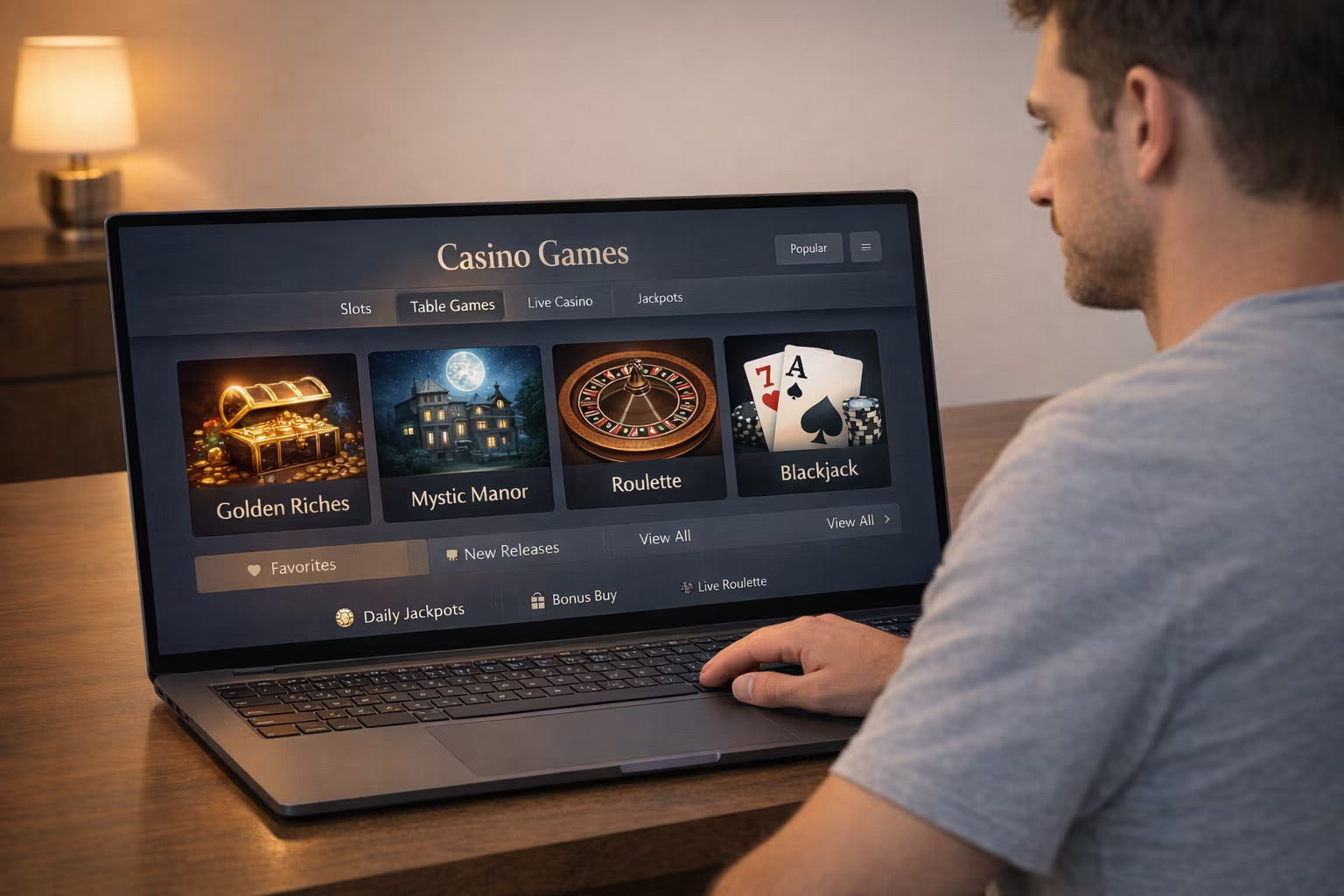
Browsing games can feel as intense as playing them. The colours, sounds, and endless options are designed to capture and maintain attention. However, without a clear approach, that experience quickly turns into information overload. When I visit platforms like Jackpot City, I make a conscious effort to keep my browsing intentional, measured, and enjoyable. Over time, I’ve developed a system that helps me stay focused while still appreciating the immersive design and variety available.
Start With Clear Intentions
Before I even begin browsing, I decide what I’m looking for. Not in a rigid way, but enough to narrow my focus. Sometimes I’m in the mood for a visually rich slot with cinematic animations. Other times, I want something simpler with a clean design and minimal distractions.
This small step prevents me from drifting endlessly between categories. Without it, every new game thumbnail or animation competes for attention, and I end up clicking without purpose. Knowing what I’m looking for helps me move through the interface more selectively, almost like curating my own experience.
Limit My Initial Choices
One of the biggest triggers of overload is having too many options at once. I deliberately limit myself to exploring just a handful of games at a time. Usually, this would be three to five titles.
Modern platforms often present grids filled with vibrant titles, each with its own theme, soundtrack, and interface style. While that variety is impressive, taking it all in at once is exhausting. Narrowing my options makes it easier for me to notice the details. I’m able to pay attention to the way a game transitions between screens, the subtle sound design, and how intuitive the layout feels.
It turns browsing into something more refined, almost like sampling rather than consuming everything at once.
Pay Attention to Visual and Sensory Design
Instead of trying to process every feature or option, I focus on how a game feels visually and emotionally. Is the interface clean or cluttered? Do the animations feel smooth or overwhelming? Is the colour palette calming or intense?
For example, some games use deep, atmospheric tones with slow transitions that create a more relaxed browsing experience. Others are fast-paced, filled with flashing elements and layered sound effects. Recognizing these differences helps me quickly decide whether I want to continue exploring or move on.
This approach keeps me grounded in the experience instead of getting lost in the sheer volume of information.
Avoid Rapid Switching
It’s tempting to jump quickly from one game to another, especially when everything is just a click away. I used to do this constantly, and it made everything blur together.
Now, I slow down. I give each game a moment. I observe its interface, its pacing, and its design choices. Even a brief pause helps me absorb what I’m seeing instead of stacking impressions on top of each other.
This single habit has made the biggest difference. It transforms browsing from chaotic scrolling into something more deliberate and enjoyable.
Use Categories Strategically
Categories are there to help, but they can also add another layer of complexity if I treat them like a checklist. That’s why I use them as a filtering tool.
If I know I’m interested in a certain style, like slots with a specific theme, I’ll stay within that category and ignore the rest for that session. I don’t try to explore everything at once. This method keeps my focus tight and prevents the mental fatigue that comes from constantly shifting contexts.
Accept That I Won’t See Everything
This mindset shift is crucial. The idea that I need to explore every option is what creates pressure in the first place. Game libraries can be extensive, with new titles added regularly. Accepting that I won’t see everything allows me to relax and enjoy what I do explore.
Instead of thinking, “What am I missing?” I focus on, “What am I enjoying right now?” That subtle change removes much of the unnecessary tension.
Take Breaks from the Interface
Even when I’m just browsing, I step away periodically. Screens filled with motion, colour, and sound can be mentally taxing, even if I’m not actively playing. A break helps to reset my attention. It doesn’t have to be a complicated break and can simply involve looking away or stretching. When I return, I’m usually able to notice details more clearly and make better decisions about what to explore next. It also keeps the experience from becoming overwhelming or repetitive.
Keep the Experience Personal
I don’t follow trends or feel pressured to try what seems popular. What matters is how a game resonates with me. I pay attention to its design and how intuitive it feels. This personal filter simplifies everything. Instead of evaluating games based on external factors, I rely on my own preferences. It reduces noise and makes the browsing process more authentic.
Stay Aware of My Limits
Information overload isn’t just about the number of options. It's also about how long I stay engaged. If I notice that everything starts to feel the same or that I’m clicking without thinking, I take that as a signal to stop. There’s no value in pushing through that state. Online casino games should remain enjoyable and controlled, not exhausting.
A More Intentional Way to Browse
Over time, I’ve realized that avoiding information overload is less about reducing what’s available and more about refining how I interact with it. By setting intentions, limiting choices, and staying aware of how I process visual and sensory input, I’ve turned browsing into a more focused and satisfying experience. The variety and creativity of modern game design are still there, but now I can appreciate them without feeling overwhelmed. In the end, it’s about balance and exercising enough restraint to stay in control.